
The ciphertext refers to a customer master key that does not exist, does not exist in this region, or you are not allowed to access.
The ciphertext refers to a customer master key that does not exist, does not exist in this region, or you are not allowed to access.
Solution
After struggling for a long time, I knew this issue has to do with encryption but the .bak file is not encrypted. Then I came across this article that talks about S3 bucket having encryption enabled.
The S3 bucket has default "Amazon S3-managed keys (SSE-S3)" encryption enabled, not a CMK from KMS.
When I create the bucket, I didn't remember setting it to enable encryption, but it is by default set to enabled encryption. After I disabled it and save, I still had to refresh a couple times to make sure it is disabled. Then I need to upload the .bak file again to overwrite the old one.
Next, make sure you follow the instructions in the References below to create option group, IAM role.
Then I ran the following script in SQL Server Management Studio after I port forward to AWS database, and this time it was success.
exec msdb.dbo.rds_restore_database
@restore_db_name='your_database_name',
@s3_arn_to_restore_from='arn:aws:s3:::your_bucket_name/your_database_file.bak';
To check the status of the task executed, use the following
exec msdb.dbo.rds_task_status @task_id=your_task_id;
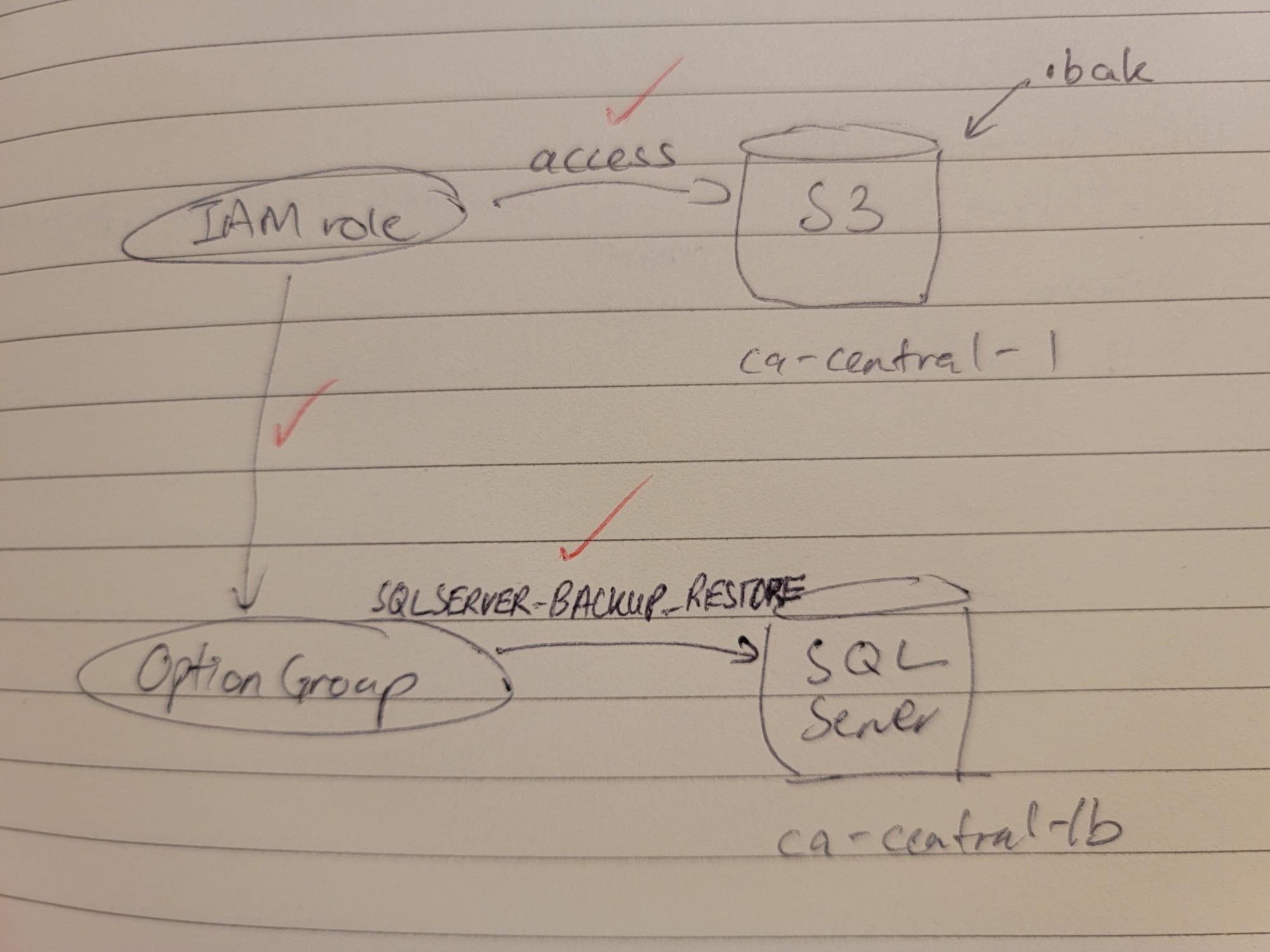
References
How do I perform native backups of an Amazon RDS DB instance that's running SQL Server?
https://aws.amazon.com/premiumsupport/knowledge-center/native-backup-rds-sql-server/
How to restore AWS RDS SQL Server database from S3 bucket using SSMS.
The S3 bucket has default "Amazon S3-managed keys (SSE-S3)" encryption enabled, not a CMK from KMS.
|
|
||||
| Copyright © Echofavor 2026. All Rights Reserved. | Powered by Echofavor |
